Our Verdict
Fast servers and great support for users in the USA. Built-in cache plugins will cause issues when editing with Elementor. A good all-round hosting provider with good prices for new users.
Pros
- Fast servers
- Great support for US-based users
- Good prices for new users
Cons
- Built-in cache plugins can conflict with Elementor editing
Description
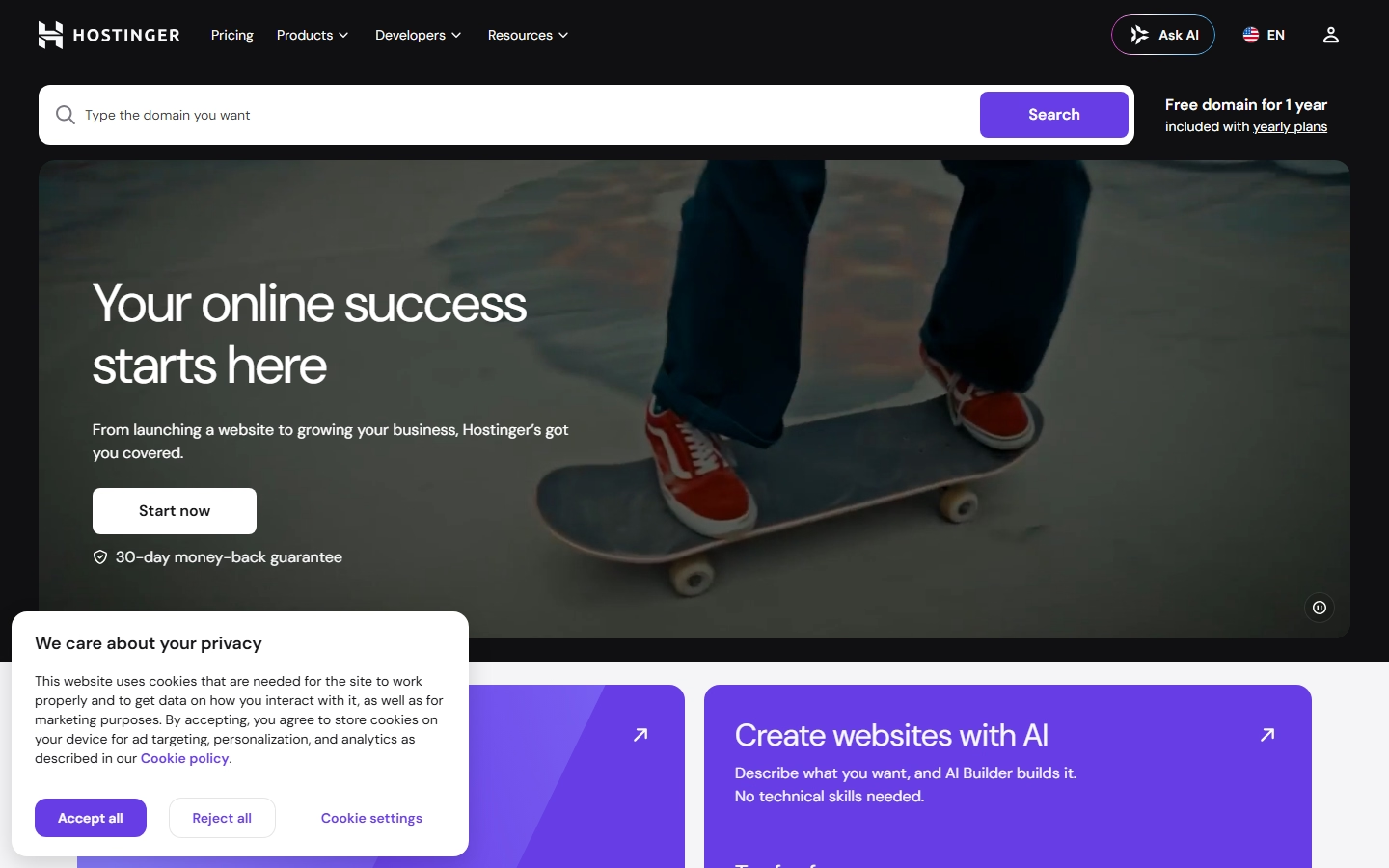
Hostinger has grown into one of the largest budget hosting brands globally — over 20 years in business, more than 5 million clients across 150+ countries, and a claimed 10 million-plus websites created on its platform to date. Its pitch is aggressive pricing combined with an increasingly AI-driven product: an AI website builder with usage credits included on every plan, an AI support agent called Kodee that handles first-line customer queries, and AI tools for logo and image generation bundled directly into the account dashboard.
Plans are tiered by resource limits rather than by hosting type. Premium starts around $2.99/month for up to 3 websites and 20GB of storage with 5 AI Builder credits; Unlimited (around $3.99/month) removes the site-count cap entirely and adds unlimited mailboxes plus 15 AI Builder credits; Cloud Startup (around $7.99/month) steps up to 100GB storage with enhanced, more frequent backup options for sites that can't afford much downtime. Every plan bundles a free domain for the first year, a built-in CDN, and WooCommerce/e-commerce support, all managed through Hostinger's own hPanel control panel rather than the more common cPanel interface — worth knowing in advance if you're used to cPanel from a previous host, since the layout and workflow differ.
Security features across paid plans include a built-in malware scanner and DDoS protection at the network level, alongside free automated SSL certificates on every tier including the entry-level Premium plan, plus weekly automated backups baked into every plan rather than reserved for the top tier only, and a straightforward one-click restore option from within hPanel if a plugin update or theme change ever goes wrong and you need to roll a site back to its last known-good state quickly rather than rebuilding lost content and settings from scratch. Hostinger runs 24/7 support and markets itself squarely at beginners — "no technical skills needed" is a recurring line in its marketing — while still offering VPS and cloud tiers for sites that outgrow shared hosting and need dedicated resources. Its data centers span multiple continents, letting customers choose a physical server location closer to their expected audience during signup, which can meaningfully improve load times for a regionally focused directory or classifieds site rather than defaulting to a single US or European location. Backups run automatically on paid plans, and its weekly free-tier snapshot can be restored from the hPanel dashboard in a few clicks without needing to contact support first.
The practical caveat PremiumPress customers should know: Hostinger, like several budget hosts, ships aggressive built-in caching on its plans by default, which can occasionally conflict with page builders like Elementor if cache settings aren't configured correctly after installing a theme — symptoms typically show up as edits not appearing live, or layout elements rendering incorrectly until the cache is manually cleared. It's worth reviewing Hostinger's caching documentation during initial setup rather than troubleshooting a "broken" site later, since in most cases the theme is working correctly and it's the cache layer serving a stale version of the page.
Ready to get started with Hostinger?
Visit HostingerOther Hosting Reviews

Host Upon
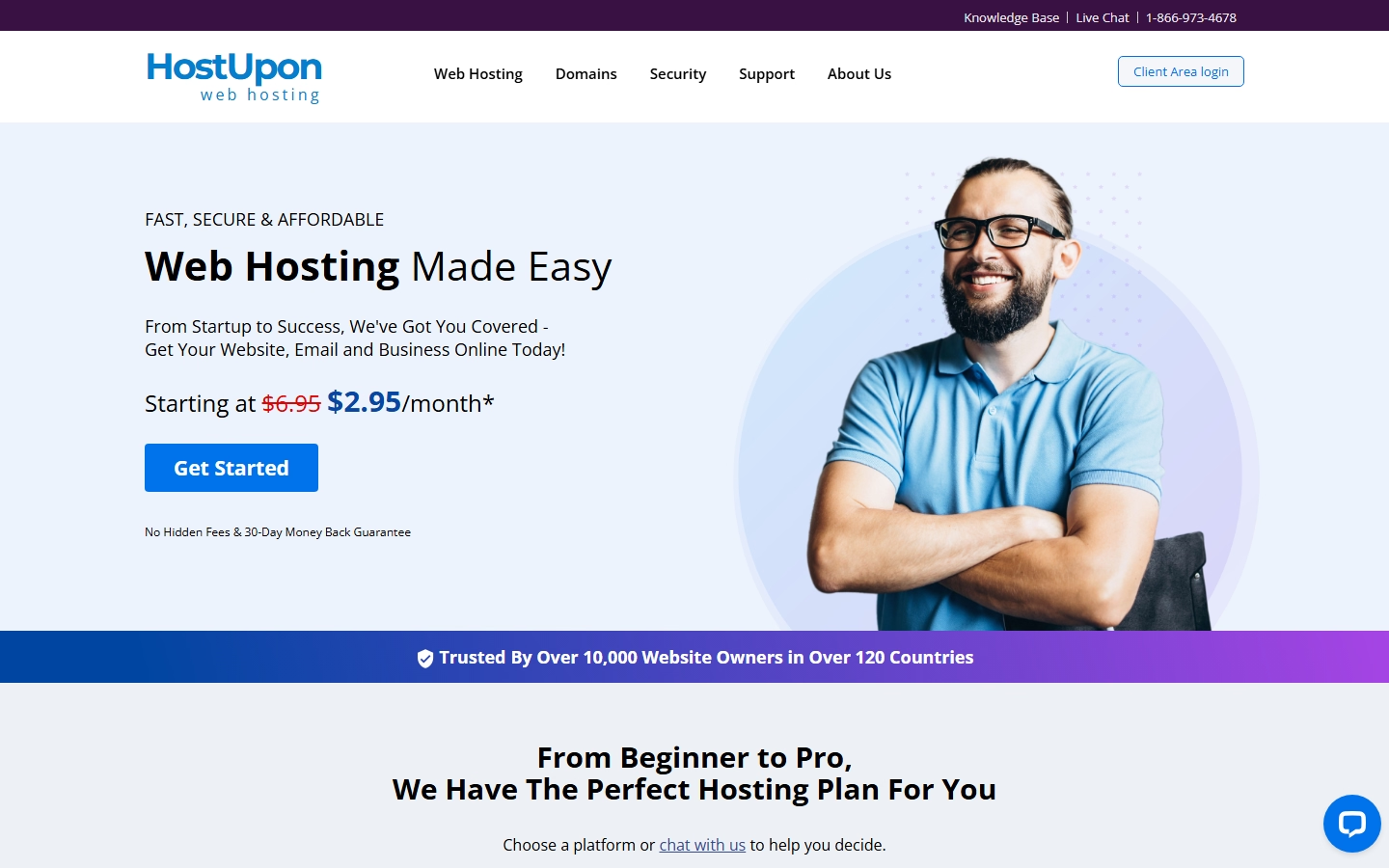
We've been using Host Upon ourselves for over 10 years (they host this website!) and we've never been let down. They offer a 30 day money back guarantee and top-notch customer support.
Read Full Review →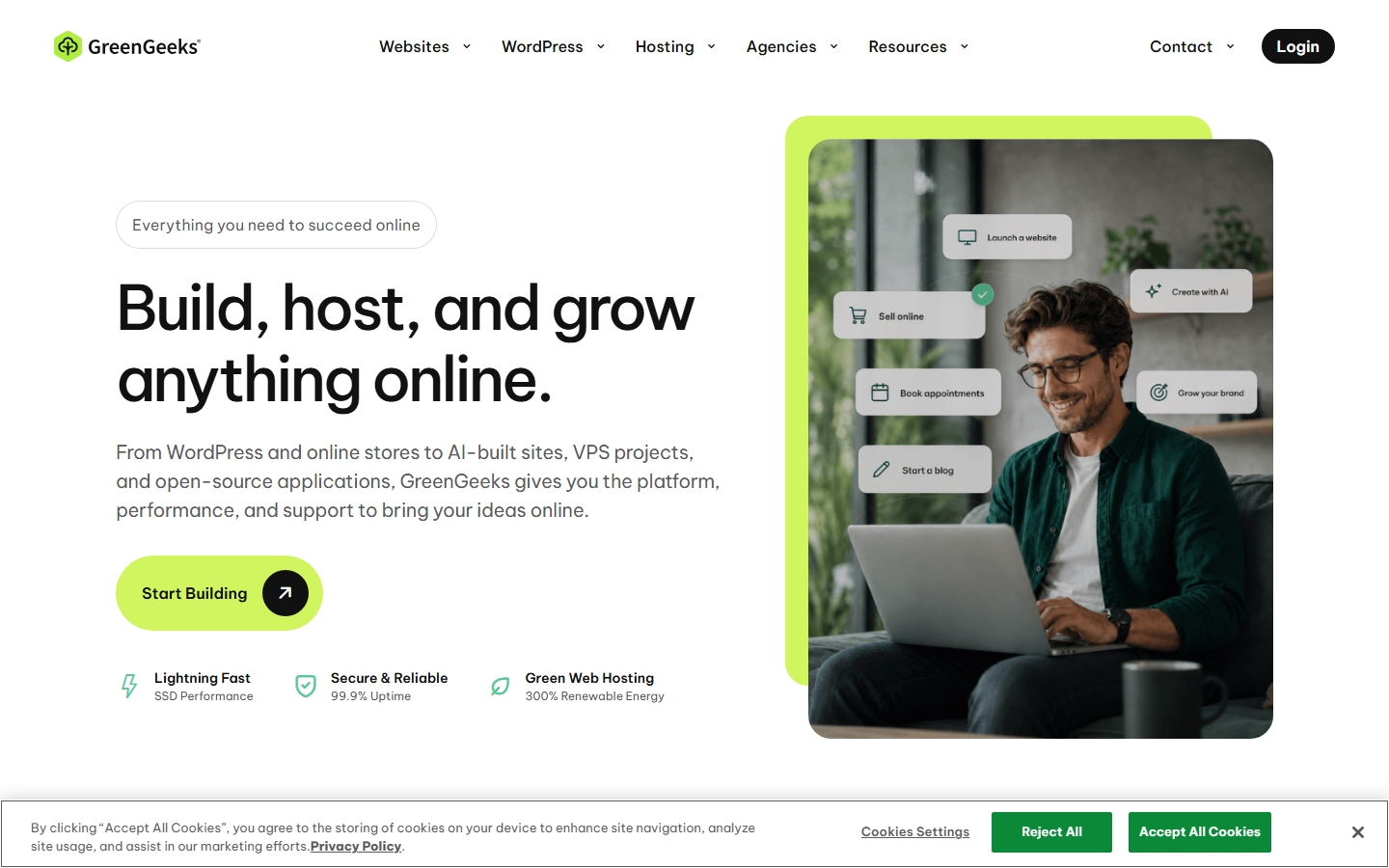

GreenGeeks
We've been recommending GreenGeeks for years simply because they do an awesome job with our clients. Excellent customer service and their hosting solutions are all tested with our themes.
Read Full Review →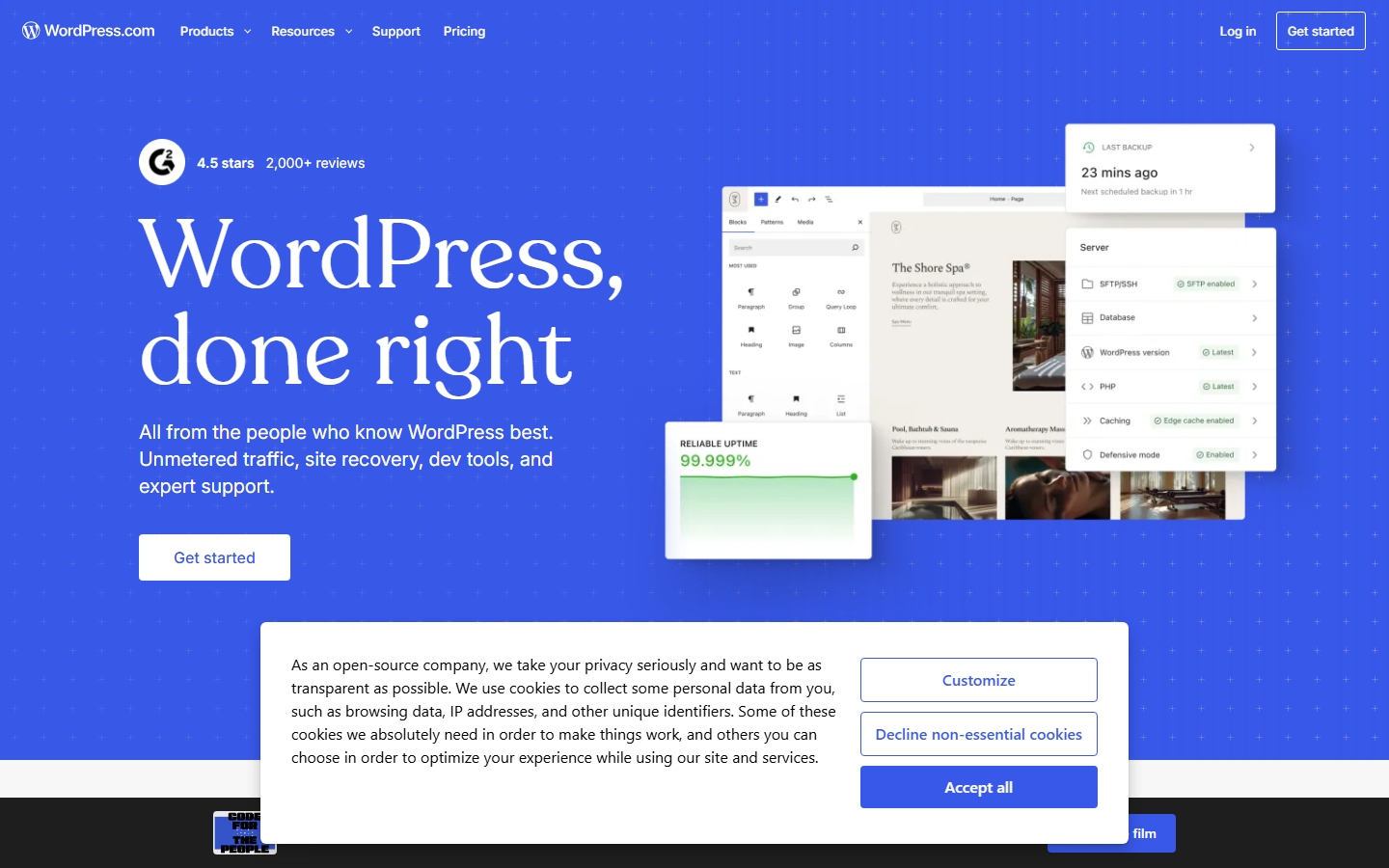

WordPress.com
WordPress.com is great for beginners running blogs and static websites. They are not great for business websites and they do not allow adult content, so dating and escort websites are not permitted.
Read Full Review →